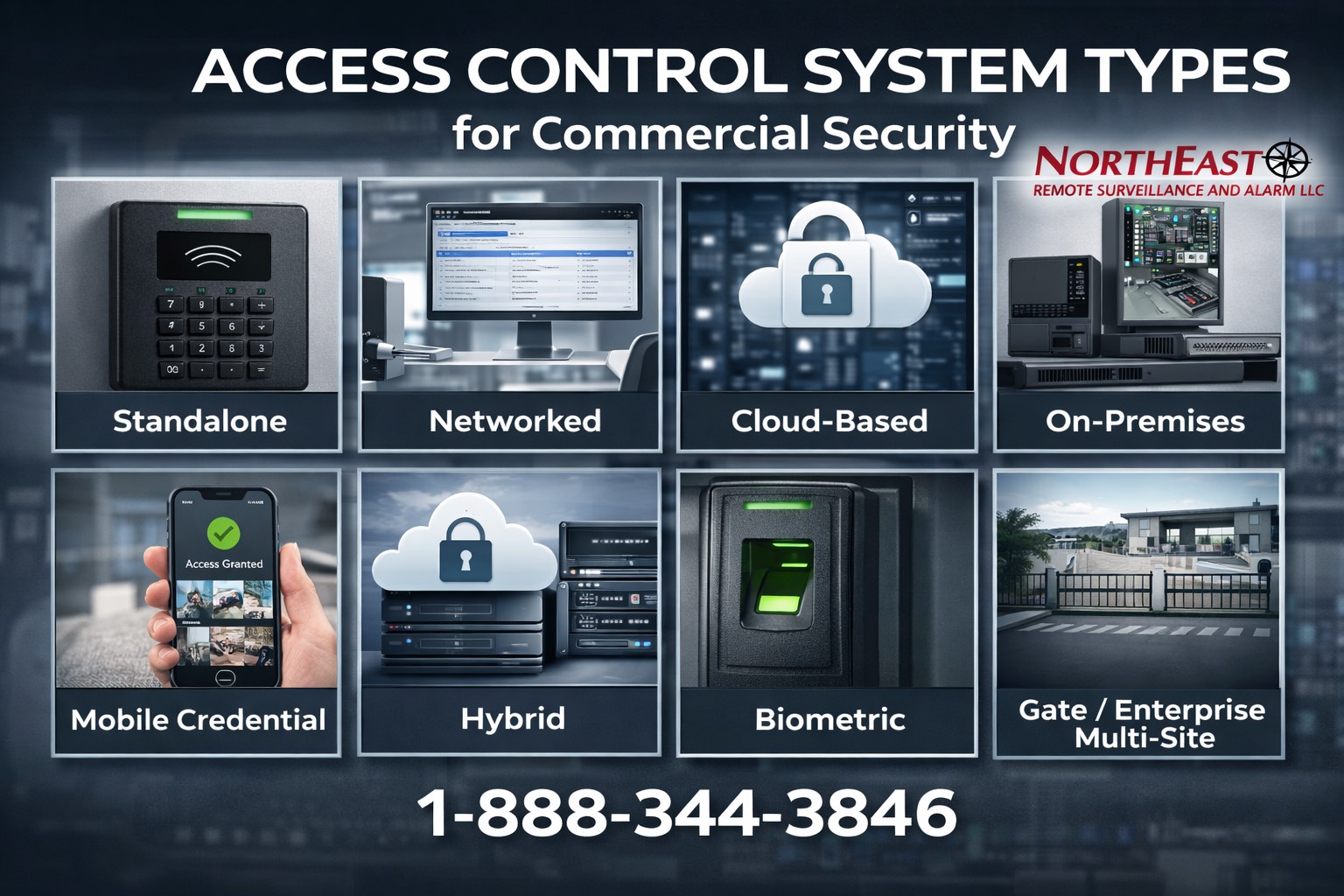
Commercial access-control systems can be classified by how doors are controlled, where management software runs, which credentials are supported and the size of the property. These are separate design questions: a mobile credential is not itself a cloud platform, and an IP controller does not automatically require constant internet access.
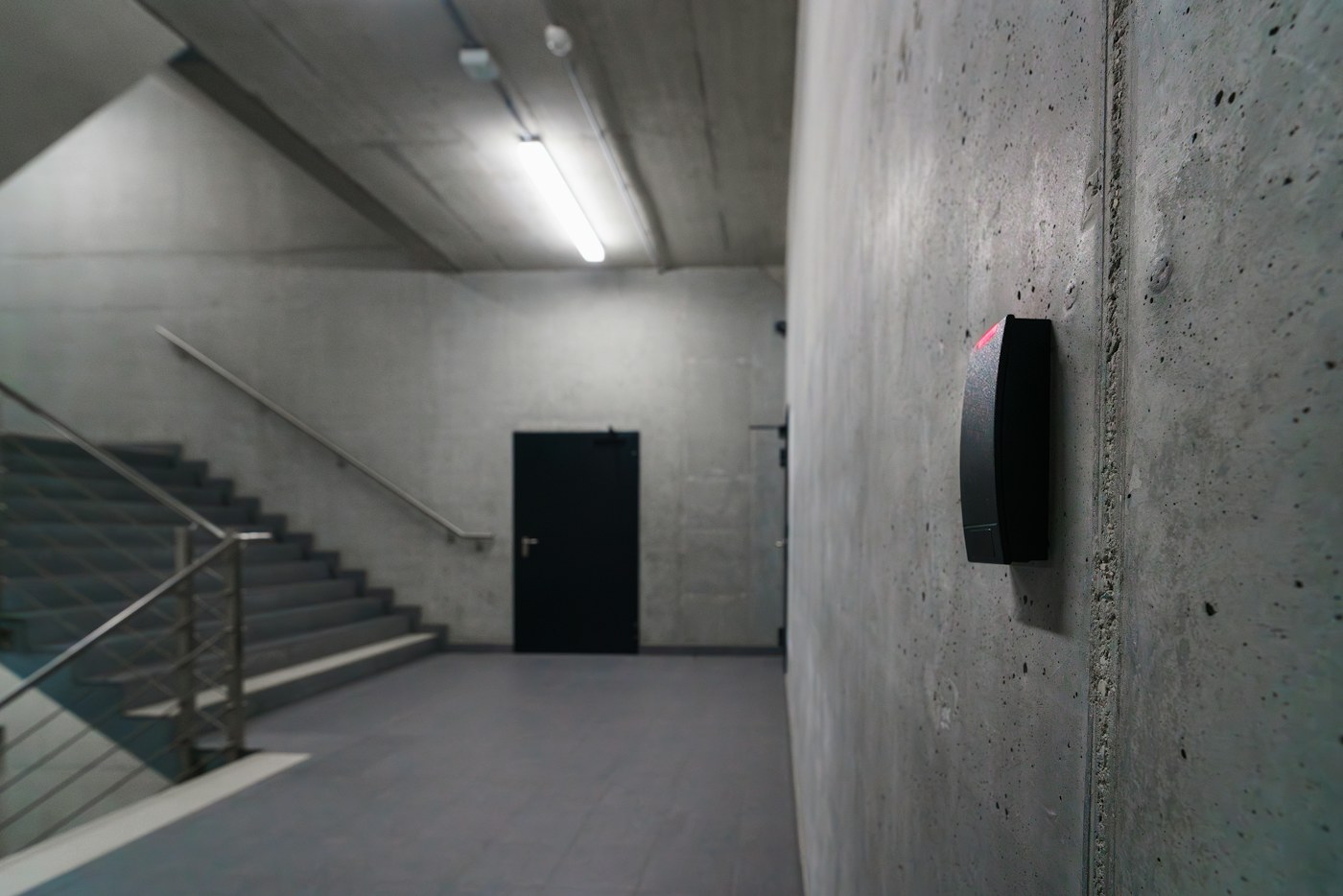
Standalone door access
Standalone locks or keypads may serve one or a small number of openings. They can be practical where centralized administration is unnecessary, but credentials, audits and programming may need to be maintained at each device. Before expanding, confirm whether devices can be incorporated into a supported networked system.
Networked access control
Controllers connect multiple readers, doors and supervised inputs to a management application. Centralized software can support role-based permission groups, schedules, individual user changes, event history and multi-door alerts. Physical wiring, enclosure and power needs remain important. Test behavior when the host is unavailable.
Cloud-managed systems
Cloud-managed platforms provide browser or app-based administration and may make distributed-site management simpler. They also introduce subscriptions, vendor-hosted services and account ownership considerations. Many retain credentials and schedules locally at controllers; however, offline capabilities vary widely. Check licensing, data export, revocation during outages and what happens if a subscription ends.
On-premises management
Locally managed systems run management software on an organization’s server, appliance or virtual infrastructure. They may suit defined IT, data or integration needs, but local deployment still requires patching, backups, cybersecurity, user administration and support planning. Separate server failure from controller failure in testing.
Hybrid architecture
A hybrid arrangement combines local door operation with some centralized or hosted management functions. Confirm which permissions and events remain at each controller, what synchronizes remotely, and which functions cannot be used during WAN or cloud interruptions. The hybrid system planning reference covers these questions in detail.
Credential technologies are a separate decision
Cards, fobs, smartphones, PINs and biometric readers can be used with more than one management architecture. A secure design considers cryptographic credentials, reader-to-controller protocols, provisioning, revocation and user accessibility. OSDP Secure Channel must be verified as configured; legacy Wiegand and vulnerable proximity formats merit separate risk review.
Wireless electronic locks
Battery-powered electronic locks can reduce cabling for appropriate interior openings, but require plans for battery replacement, supported gateways, audit retrieval, lock functions and firmware. Wireless is not a guarantee of compatibility with a desired software platform. Exterior, frequently used and fire-rated openings need detailed hardware review.
Gates, turnstiles and specialty doors
Pedestrian lanes, vehicle gates, elevators, automatic operators, public entrances and specialty controlled-egress doors have additional safety, accessibility and integration requirements. Access authorization does not replace gate entrapment protection or the actual door’s required egress mechanism. Use the entry equipment manufacturer reference for device-family questions.
Enterprise and multi-site operation
Organizations with multiple locations may need centralized identity administration, separate local permissions, reporting boundaries, contractor expiry, offboarding, integration support and recovery procedures. The best platform is not necessarily the one with the largest feature list; compare tested functionality, licensing and the staff required to maintain the system.
Comparison checklist
| Decision | Evidence to request |
|---|---|
| Controlled openings | Door schedule, hardware and emergency function |
| Architecture | Where users, rules, events and administration reside |
| Outages | Tested local operation during network, server and power failure |
| Credentials | Supported technology and migration/security mode |
| Ownership | Administrator, tenant, export, license and backup arrangements |
| Lifecycle | Spare parts, updates, subscription and maintenance obligations |
Use the complete planning guide to document the building before choosing an architecture. Always confirm the actual jurisdiction and equipment configuration.
Publisher’s related applied reference: commercial and industrial access-control systems.