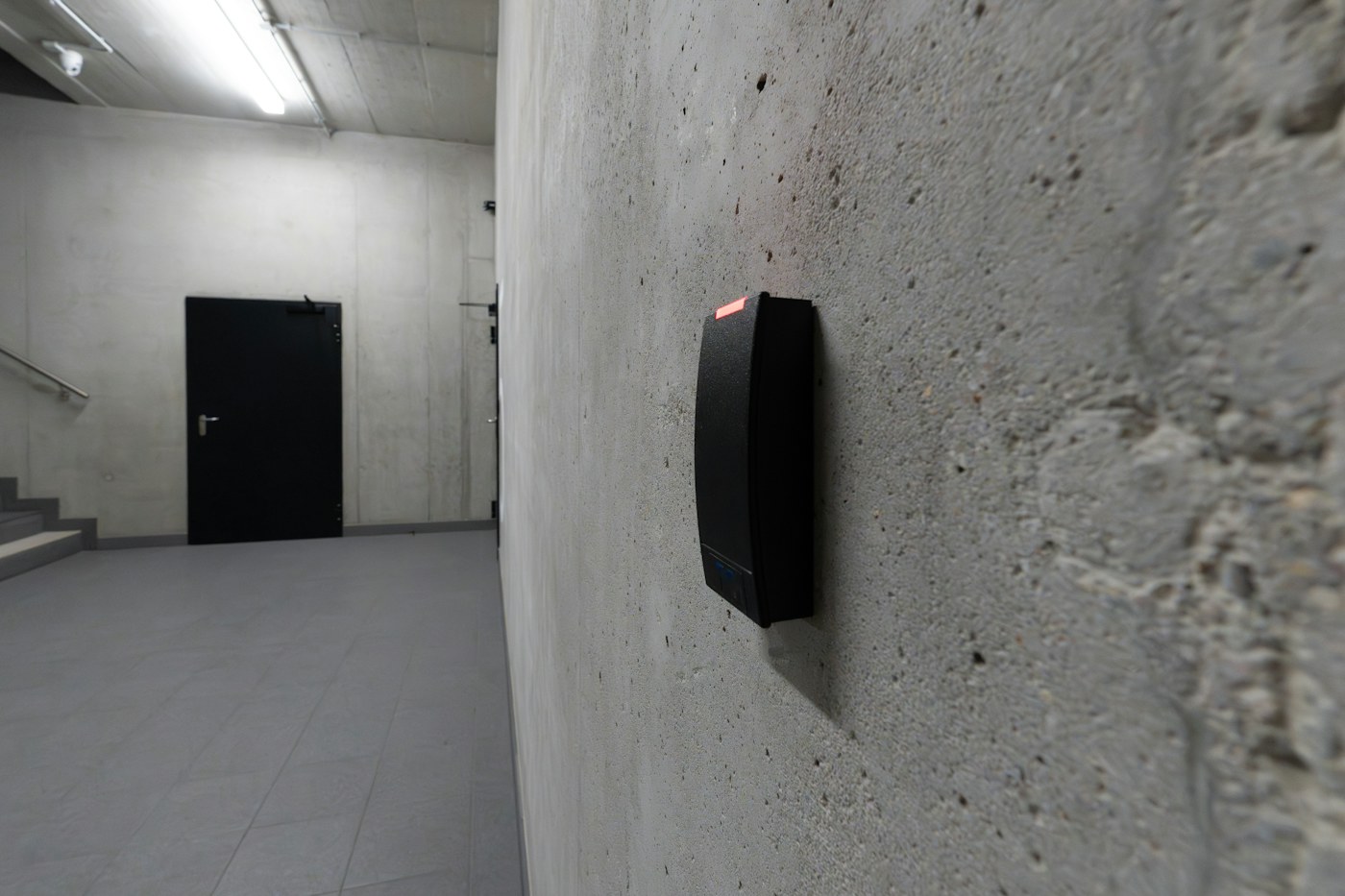
Actual access-reader photograph: Jakub Żerdzicki / Unsplash. Illustrative equipment, not a NERSA installation.
Independent technical planning reference for Pennsylvania and Mid-Atlantic facilities. Updated October 11, 2026. This guide does not certify an installation or replace manufacturer instructions or authority review.
An access-control upgrade is not necessarily a complete replacement. A site may be able to retain serviceable locking hardware, power infrastructure, cabling or enclosures while changing credentials, readers, controllers or management software. The correct decision depends on measured condition, documented compatibility, security risk, local requirements and the owner’s ability to maintain the result.
1. Start with an existing-system inventory
Create a record for every controlled opening and every shared system component. Photograph both sides of the door, inside-frame hardware, reader, controller enclosure, power supplies and cable labels. Record model and revision, firmware, software version, credential technology, wiring protocol, lock operation, fire-door labels and accessibility-related features. Identify where administrative accounts, programming files, system backups and encryption keys are actually held.
| Layer | What to record | Typical upgrade question |
|---|---|---|
| Doors and egress | Opening use, closer, latch, exit device, lock, operator and fire-door label | Can the opening continue to latch, release and operate correctly? |
| Credentials and readers | Card/fob/mobile types; Wiegand or OSDP; reader models; reader power | Are credentials secure and portable to supported equipment? |
| Controllers and I/O | Make, model, firmware, capacity, inputs, outputs and mounting | Can the existing boards be supported by the target application? |
| Power, cable and network | Cable pathways, wire type, voltage under load, battery and network segmentation | Does reuse pass testing and manufacturer requirements? |
| Software and records | Ownership, licenses, users, groups, schedules, event history, API integrations | What can be exported, preserved, recreated or retired? |
2. Choose an upgrade path based on evidence
Retain and stabilize
If the hardware is supported, the software is maintainable and basic egress/security tests pass, improve documentation, backups, batteries, firmware procedures and credential administration first. Do not replace functioning systems solely because newer products exist.
Partial upgrade
Replace a failing reader, weak credential technology, inadequate power supply or worn electrified hardware while retaining compatible controllers and software. Confirm end-to-end functionality; a physically similar part number is not evidence of software or listing compatibility.
Controller and software migration
Before promising controller reuse, obtain a written compatibility statement identifying exact board generations, firmware versions and licensing. For platforms using Mercury controllers, verify partner support and the applicable controller family rather than assuming every Mercury board works with every management system.
Full replacement or phased takeover
Use a new platform when critical hardware cannot be supported, administrator access cannot be recovered, security limitations cannot be mitigated or integrations are no longer serviceable. A phased migration separates door groups, maintains controlled access during cutover and provides a documented rollback strategy.
3. Reader and credential modernization
Many older systems communicate over Wiegand, which has limited built-in protections. Where the controller and reader support it, evaluate OSDP with Secure Channel, including key provisioning, enrollment, supervised communications and exact tested firmware. OSDP compatibility by itself does not prove encryption is actually enabled. Assess legacy 125 kHz proximity cards and UID-only schemes as separate risks; avoid carrying forward weak credential formats by accident.
Mobile credentials, NFC, Bluetooth and biometric systems introduce additional considerations: phone lifecycle, lost-device revocation, subscription ownership, accessibility, privacy, user enrollment and reliable alternatives for people unable to use a particular method. Pilot a representative population before a campus-wide change.
4. Door hardware, fire alarm and accessibility remain independent checks
A new reader never compensates for a door that fails to close, latch or release as required. Distinguish electrically controlled entry from compliant free egress. Review fail-safe versus fail-secure behavior at the specified device, not as a general rule for the entire door. Magnetic locks, delayed-egress, controlled-egress, electrified panic hardware, elevator interfaces and automatic operators each need an opening-specific design and appropriate testing.
For fire-rated assemblies, verify permissible modifications, listed components and door condition before drilling or changing hardware. The local authority having jurisdiction and the adopted requirements govern the installation; PA, NJ, DE, MD, DC, VA and WV do not necessarily follow an identical adoption or enforcement schedule. See the door hardware and egress manufacturer reference for equipment-family questions.
5. Takeover checklist: ownership, compatibility and cybersecurity
- Obtain written authority from the property owner to assess the system and transfer administration.
- Inventory controllers, credentials, software, licenses, events, integrations, alarm interfaces, network addresses and key material.
- Confirm backups and restore methods before modifying software, controller firmware or access policies.
- Identify discontinued parts, vendor-specific locks and credentials, cloud account ownership and remote-service dependencies.
- Test representative readers, doors, alarms, fire release and event reporting with the proposed platform.
- Agree on administrator roles, MFA where available, least-privilege access, network segmentation and log retention.
- Prepare rollback, temporary access arrangements and after-hours support for each migration phase.
6. Example migration acceptance tests
| Scenario | Evidence to retain |
|---|---|
| Valid, expired and revoked credentials | Expected access decision, event record and time synchronization |
| Door forced, held open and request to exit | Correct local behavior, notification and event recovery |
| Power loss, battery transfer and power recovery | Documented lock state, uptime and post-restoration behavior |
| Network or cloud interruption | Offline rules and recovery of events after service returns |
| Required fire/emergency interface | Authority-approved sequence and witnessed release testing as applicable |
| Admin turnover and credential export | Customer-owned accounts, backups, training and revocation evidence |
Never perform uncontrolled release tests on occupied openings or alter life-safety functions without appropriate procedures and authorized participants. Document who witnessed the test, the result, and any deficiency requiring correction.
7. Budget and lifecycle: compare the full system, not just the reader
A meaningful comparison includes field labor, door modifications, network and power work, software subscriptions, cloud service continuity, training, spare parts, credential replacement, battery replacement and vendor support. Retained hardware may reduce initial disruption but add a long-term service risk when firmware support or replacement inventory is limited. Record assumptions and alternatives rather than promising a fixed project price from a generalized article.
7A. Owner acceptance gate before a takeover
Before approving a commercial access-control takeover, ask the proposed integrator to demonstrate five things on the actual building: a credential can be enrolled and revoked; a scheduled unlock and after-hours denial behave as expected; a door-held or forced-door event reaches the right operator; access remains safe during a power or network failure; and an authorized administrator can export reports and maintain the system without the former provider. Keep the test results with the door schedule and controller inventory.
Define a written fallback plan for occupied entrances and deliveries during the conversion. If the incumbent database cannot be exported, document which identities, access groups, schedules and audit history must be recreated, then obtain owner approval before making irreversible changes. Where a fire alarm release or controlled egress interface exists, require the responsible qualified parties to verify its intended operation separately. This keeps a takeover focused on measurable continuity, not merely new readers or a change in software branding.
8. Related educational references
For model-level options, use the access-control equipment manufacturer directory; for system ownership and software architecture see the cloud and on-premises management reference; for handover procedures use the commissioning and maintenance guide.
Publisher and applied reference
This independent educational guide is published by Northeast Remote Surveillance and Alarm, LLC (NERSA). For applied regional context, see NERSA’s access control system upgrades reference.